You Cannot Improve What You Do Not Measure
Most people have only a vague sense of where their money goes, and the gap between what they think they spend and what they actually spend is usually large. An expense-tracking app closes that gap automatically. Once you can see the pattern — the forgotten subscriptions, the daily small purchases that quietly add up — fixing it becomes obvious. The best part is that several genuinely useful options are completely free.
What a Good Tracker Actually Does
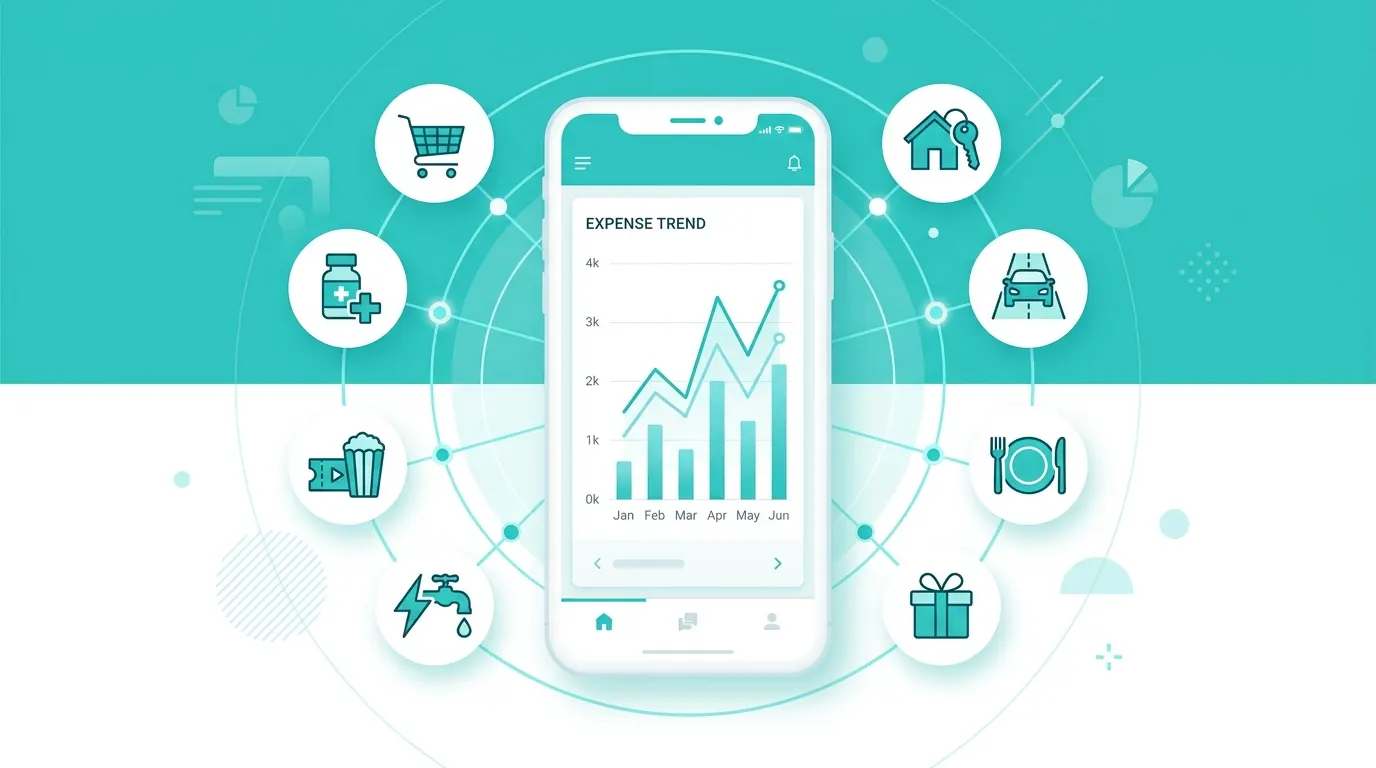
The core job is to record every transaction and sort it into categories so you can see, at a glance, how much went to groceries, eating out, transport or subscriptions. The better apps connect securely to your bank and categorise automatically, turning a tedious chore into something that happens in the background. Seeing a month laid out this way is often a genuine wake-up call.
Free Options Worth Using
Your bank's own app. Start here. Many banks now include built-in spending breakdowns by category, and since the data is already there, it costs nothing and requires no extra connection.
Spreadsheet (Google Sheets or Excel). Free, fully private, and completely customisable. More manual, but unbeatable if you want total control and no third-party access to your data.
Dedicated free apps. Several budgeting apps offer a free tier that connects to your accounts and visualises spending. Check the privacy policy and what the free tier actually includes before committing.
Connected Versus Manual: The Trade-Off
Apps that link to your bank are effortless but require you to trust a third party with read access to your financial data — so choose well-known, regulated providers and read how they handle your information. Manual tracking (a spreadsheet or typing in purchases) keeps your data entirely private and, because the act of entering each expense makes you notice it, can change behaviour more than automatic tracking does. There is no single right answer; pick the friction level you will actually maintain.
How to Make Tracking Stick
The mistake is creating forty hyper-detailed categories you will abandon within a week. Start with five or six broad ones — housing, food, transport, fun, subscriptions, other. Review once a week for five minutes at first, then monthly once it is a habit. The aim is not perfect accounting; it is noticing the one or two leaks worth fixing. Tracking is the diagnosis, not the cure — the value comes from acting on what you see.
Frequently Asked Questions
Is it safe to connect an app to my bank?
With reputable, regulated providers using read-only access, it is generally safe, but you are trusting them with sensitive data. If that worries you, manual tracking or your own bank's app keeps everything in-house.
Do I need to track every single coffee?
At the start, yes — for a month — because the small recurring purchases are exactly where people are surprised. Once you know your pattern, you can track more loosely.
Are paid budgeting apps worth it?
Only if a specific feature genuinely helps you stick with it. For most people, a free app or a simple spreadsheet does everything needed; the habit matters far more than the tool.
Sources
Share this article